How to rent a number for a Zalo OTP on OTPVN, step by step
Rent a number for a Zalo verification code on OTPVN: top up, pick the Zalo service, get a number and receive the code. No code, no charge.
Contents
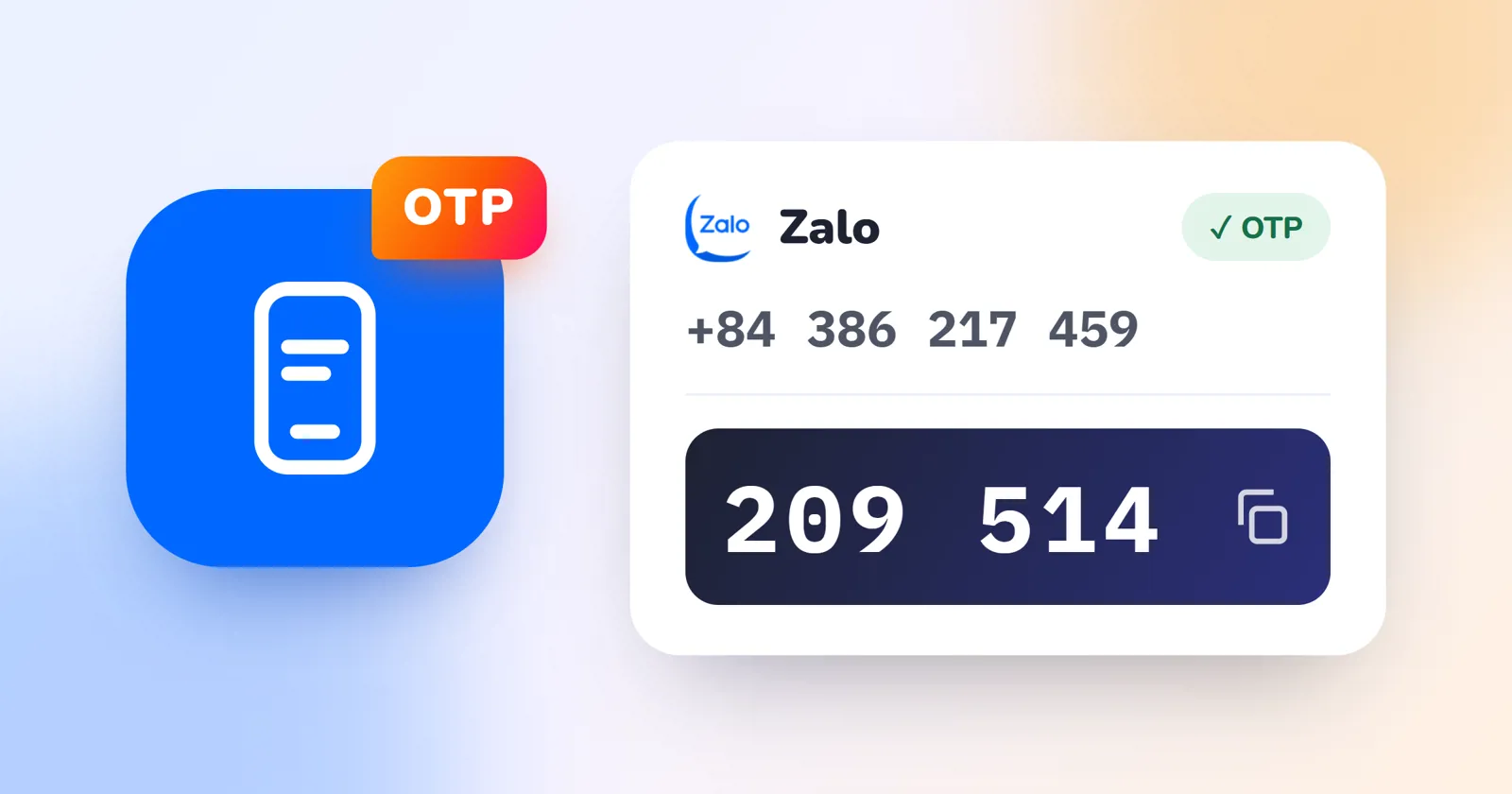
Need to create or verify a Zalo account without using your personal phone number? On OTPVN you rent a number for one use, enter it in Zalo and receive the code right on the website. This guide walks you through each step, with tips for when a code does not arrive.
What you need
- An OTPVN account. Sign up for free in about a minute.
- Enough balance for one rental. Each service's price is shown on the rent page once you are signed in.
- Zalo installed on your phone or computer.
Step 1: Top up your balance
Open Deposit and choose a method, such as a bank transfer or USDT. The money is added to your balance automatically: bank transfers usually take about 5 minutes, USDT about 2 minutes. Your balance is kept in Vietnamese dong (VND).
Step 2: Choose the Zalo service and rent a number
- Open the Rent page.
- Type “Zalo” in the service search and select Zalo.
- Optionally filter by carrier, or pick or exclude some number prefixes.
- Click Rent. You get an active number and a timer counting down the wait for the code.
Step 3: Enter the number in Zalo
In Zalo, choose sign up or change number, enter the rented number and request the verification code. Tap the number on OTPVN to copy it instead of typing it.
Step 4: Receive the code and finish
When Zalo sends the code, it appears on the number's card on the rent page. Tap to copy, paste it into Zalo and you are done. If Zalo calls to read the code instead, OTPVN records the call, extracts the code and shows it like a normal message. You can replay the recording if needed.
What if the code does not arrive?
Each rental waits about 4–7 minutes for the code. If none arrives in time, the rental is cancelled and the money returns to your balance automatically; there is nothing to report. You can then:
- Rent another number, or switch to another carrier or prefix.
- Wait 1–2 minutes before asking Zalo to resend the code, instead of pressing resend repeatedly.
- Message support on Telegram if a service fails several times in a row.
Need another code on the same number?
If Zalo asks you to verify again, click Rent again on the old number's card to rent that exact number for Zalo. This works within about 15–30 minutes of the previous rental, while the SIM is still in the system.
Tips for getting Zalo codes quickly
- Enter the number in the format Zalo expects (usually without the leading 0 once the +84 country code is selected).
- Use each number for one account only, to avoid restrictions from Zalo.
- Zalo cannot be rented through the API yet: rent it on the website or right inside Telegram.
- Use rented numbers for legitimate purposes and follow Zalo's terms of use.
Not sure how OTP codes work? Read What is an OTP code. Services other than Zalo are listed on the services page.